

Manage Your Account
Access your Worthington Area YMCA member account to register for programs, make payments, update account information – all in one place.
Quick Access to What Matters
Login to view your upcoming program registrations, update contact details, manage payment options, and track your family’s activities in real time.
FAQ Headline
Click “Forgot Password?” on the login screen and follow the prompts to receive a reset link via email.
You can add children or other family members by visiting “Manage Family” in your dashboard or calling the YMCA at (507)-376-6197 to speak to our staff.
Go to “My Registrations” after login in to view all current and upcoming sessions you or your family are enrolled in.
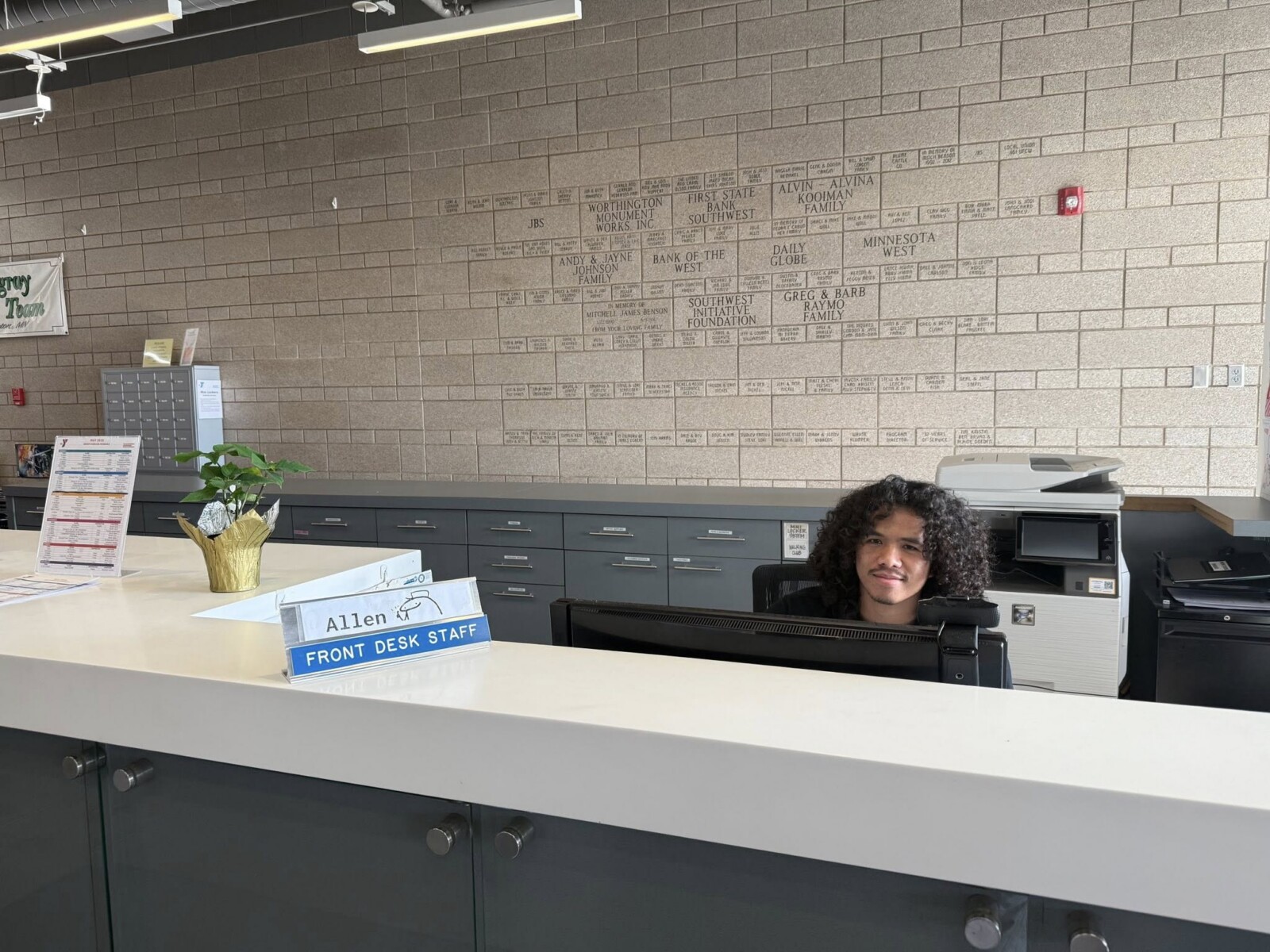
To speak to our front desk staff for one-on-one assistance with your account, call (507)-376-6197
